



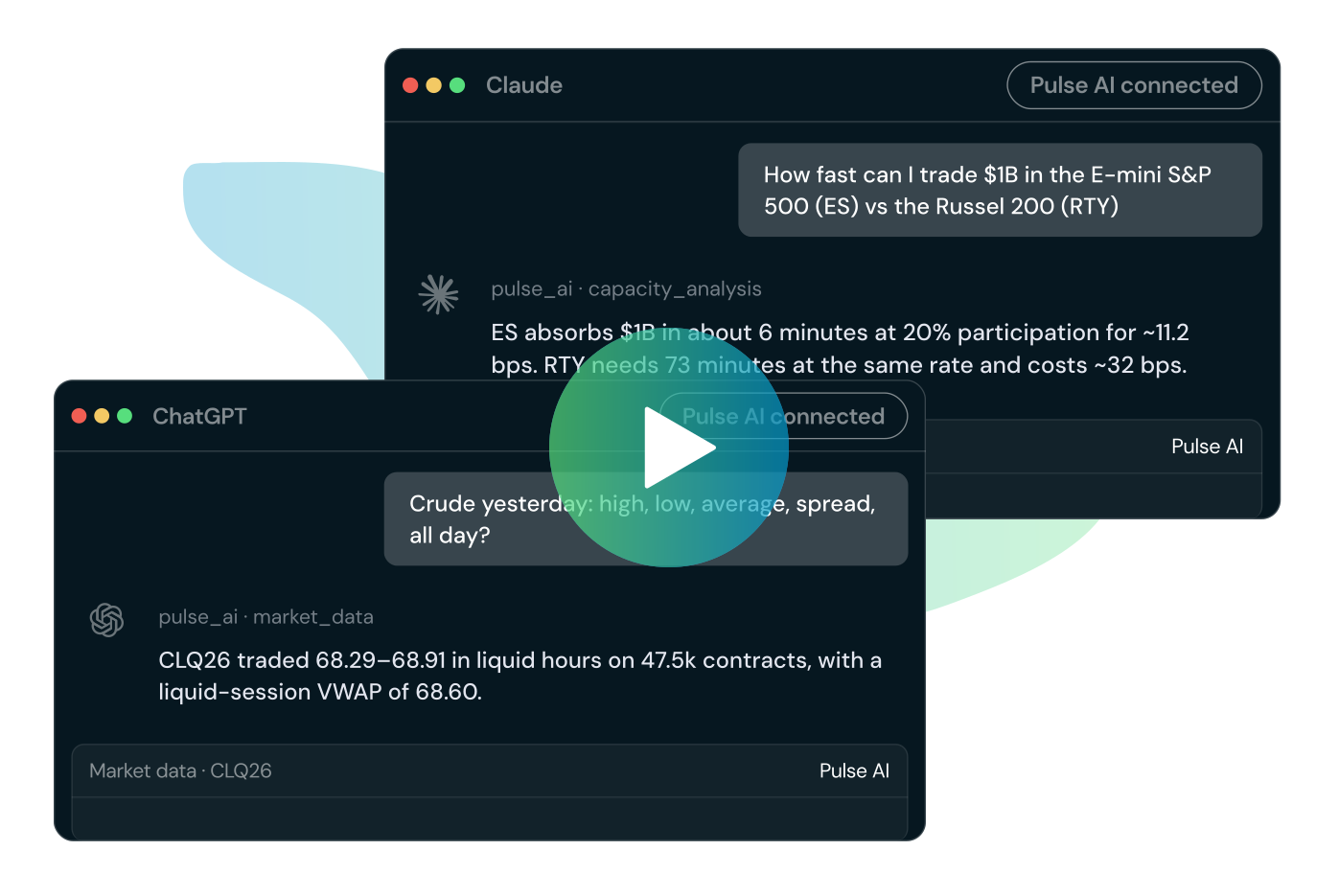

Pulse AI connects Pulse Analytics to Claude, ChatGPT, or any AI assistant the desk already uses. Ask anything about pre-trade conditions — liquidity, spread, trading costs — or run broker-neutral post-trade TCA and get insights and reports in seconds.
Pre-Trade
Post-Trade
Pulse AI on pre-trade
If you can ask it, Pulse AI can answer it.

How to connect Pulse AI


Follow the quick setup guides linked below to validate connection with your AI tool.


FAQs

Will I need technical support to set this up?
No. The setup is entirely point-and-click. Your will need to have an active Pulse account with BestEx Research and should be using a supported AI Assistant. Currently, Pulse AI supports connection with Claude and ChatGPT.
I am on my company's Enterprise or Team plan. Do I add this myself?
Usually not. For Enterprise and Team plans, a Team Admin or Owner adds the custom connector once for the organization. After that, you just open Connectors and click Connect on the Pulse entry, then sign in. If you do not see it, ask your admin whether it has been added.
What credentials do I sign in with for Pulse?
Same as your Pulse Analytics or AMS One account email and password. The password is used once to issue an access key and is never stored. If you do not have an account, request and account here.
Do I need to fill in the OAuth Client ID and Secret fields when adding the connector?
No. Leave the Advanced settings blank. Authorization happens through the Pulse sign-in page after you click Connect.
Which Claude apps support this?
Custom connectors work in Claude on the web, desktop, and mobile apps. Add it once and it follows your account.
What can I do with Pulse once it is connected?
You can ask Claude for pre-trade market impact cost estimates, realized or estimated microstructure statistics, and daily historical trading analytics for futures and US equities, and more.
How do I remove the connector?
Open Settings, go to Connectors, select Pulse, and choose Disconnect. On Enterprise and Team plans, removal for the whole organization is handled by the admin.